NX CAD - Precision and Creativity in Engineering
Why NX CAD is more than just a drawing program - Insights into the world of professional 3D modeling
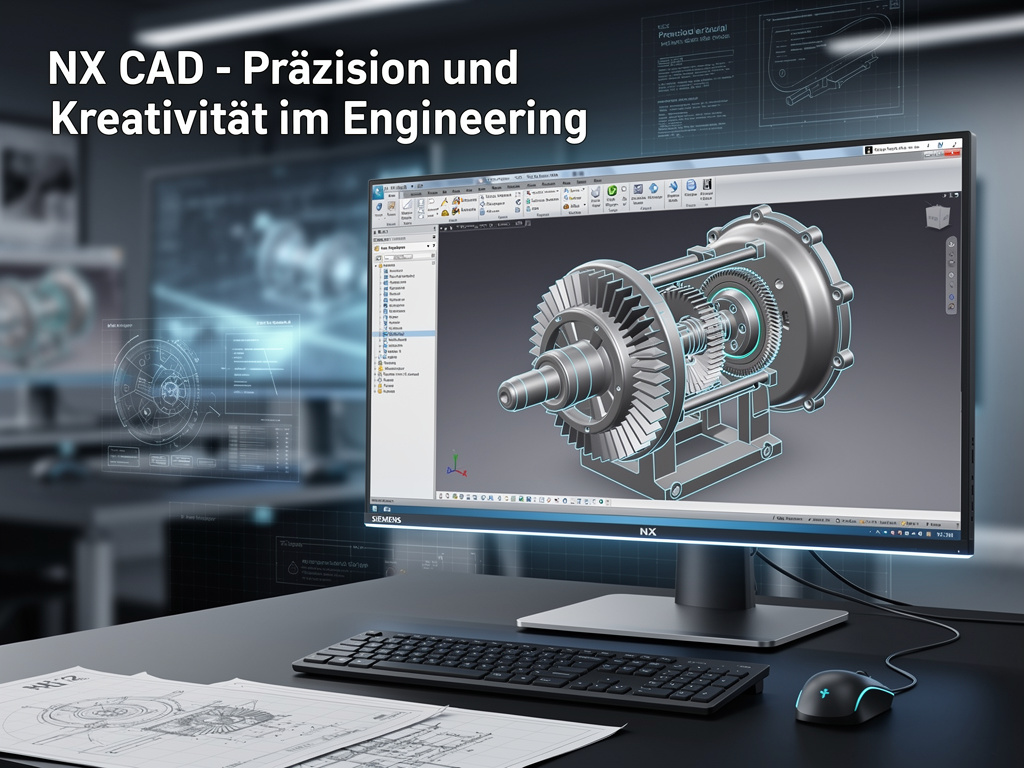
NX CAD - Precision and Creativity in Engineering
As a CAD specialist, I work with Siemens NX every day – one of the most powerful CAD systems in the world. In this article, I want to show you why NX is more than just a "drawing program" and what possibilities it offers for engineers and designers.
What is NX CAD?
Siemens NX (formerly known as Unigraphics) is a comprehensive CAD/CAM/CAE software solution used in product development. From the first sketch to finished production – NX accompanies the entire development process.
NX is used in many industries:
- Automotive industry: Complete vehicle development
- Aerospace: Aircraft and spacecraft components
- Mechanical engineering: Complex machines and systems
- Medical technology: Precise medical devices
- Consumer goods: From electronics to packaging
Why NX?
Parametric Modeling
NX is based on parametric modeling. That means: Every dimension, every angle, every relationship is a parameter that can be changed later. When I change the length of a component, all dependent elements adjust automatically.
Example: A gearbox housing with 20 gears. When I change the gear ratio, NX automatically calculates new gear sizes and adjusts the housing accordingly. That saves hours or even days of manual work.
Synchronous Technology
One of the most revolutionary features of NX is Synchronous Technology. It combines the advantages of parametric modeling with the flexibility of direct modeling.
- Parametric: Structured, traceable models with full history
- Direct: Fast changes without breaking the history
Synchronous Technology makes it possible to combine both approaches seamlessly – depending on what fits the current task best.
Integration with Teamcenter
As a PLM specialist, I particularly appreciate the seamless integration of NX with Teamcenter. Every change in the CAD model is automatically captured in the PLM system. Versions are managed, workflows are triggered, and everyone involved sees immediately what has changed.
My Daily Work with NX
3D Modeling
The core of my work is 3D modeling. I create:
- Individual parts: From simple discs to complex housings
- Assemblies: Complete machines with hundreds of components
- Drawings: Technical drawings for manufacturing and assembly
Simulation and Analysis
NX offers not only modeling, but also integrated simulation tools:
- FEM analysis: Calculation of stresses and deformations
- Flow simulation: Analysis of fluid flows
- Motion simulation: Kinematics and dynamics of mechanisms
These tools help identify problems early, before physical prototypes are built.
CAM Integration
NX is not only CAD, but also CAM (Computer-Aided Manufacturing). I can generate CNC programs directly from the 3D model. That saves time and reduces errors.
Challenges and Solutions
Complexity
NX is a powerful but also complex system. There are countless functions, and finding the right method for a task requires experience.
Solution: Systematic learning, regular training, and using the extensive documentation. NX also offers many tutorials and sample projects.
Performance
Complex models with thousands of features can affect performance.
Solution:
- Efficient modeling strategies
- Use of simplified representations
- Hardware optimization (GPU, RAM)
Data Management
Without a PLM system like Teamcenter, managing CAD data quickly becomes chaotic.
Solution: Integration with Teamcenter for central data management and version control.
Best Practices
From my experience, here are a few tips for working efficiently with NX:
1. Structured Modeling
- Use meaningful feature names
- Organize features in groups
- Document important decisions in comments
2. Parameterization
- Define important dimensions as parameters
- Use formulas for dependent dimensions
- Create parameter tables for variants
3. Reuse
- Create libraries for frequently used components
- Use templates for recurring structures
- Define standards for your company
4. Quality Assurance
- Use the integrated checking tools
- Perform regular model checks
- Test models in simulations
5. Collaboration
- Use shared standards
- Document changes
- Communicate with the team
The Future of CAD
CAD systems are evolving rapidly. Modern trends:
Cloud-Based Solutions
CAD systems are increasingly cloud-based, which makes collaboration across locations easier.
AI Integration
Artificial intelligence helps with model generation, error detection, and optimization.
Generative Design
Systems automatically generate optimal shapes based on requirements and constraints.
Extended Reality (AR/VR)
AR and VR enable immersive visualization and collaboration.
Additive Manufacturing
CAD systems are increasingly optimized for 3D printing, with special tools for generative design and topology optimization.
Why I Love NX
For me, NX is more than just a tool – it is a medium for turning ideas into reality. The combination of precision and creativity that NX enables fascinates me anew every day.
When I model a complex component, I feel like an artist working with mathematics and physics. Every curve, every surface, every relationship has a purpose and a meaning.
Conclusion
NX CAD is a powerful tool for modern product development. It does require a learning curve, but the possibilities it offers are enormous. Whether simple components or complex machines – NX helps turn ideas into reality.
If you have questions about NX or need support with your CAD projects, feel free to contact me. I am happy to share my experiences and help where I can.
As a CAD specialist, I work with NX and other CAD systems every day. If you have questions or problems, I am happy to help.
Image credits
- Photo: ThisisEngineering via Unsplash